
HOW IT WORKS
Look first. Copy only what you approve.
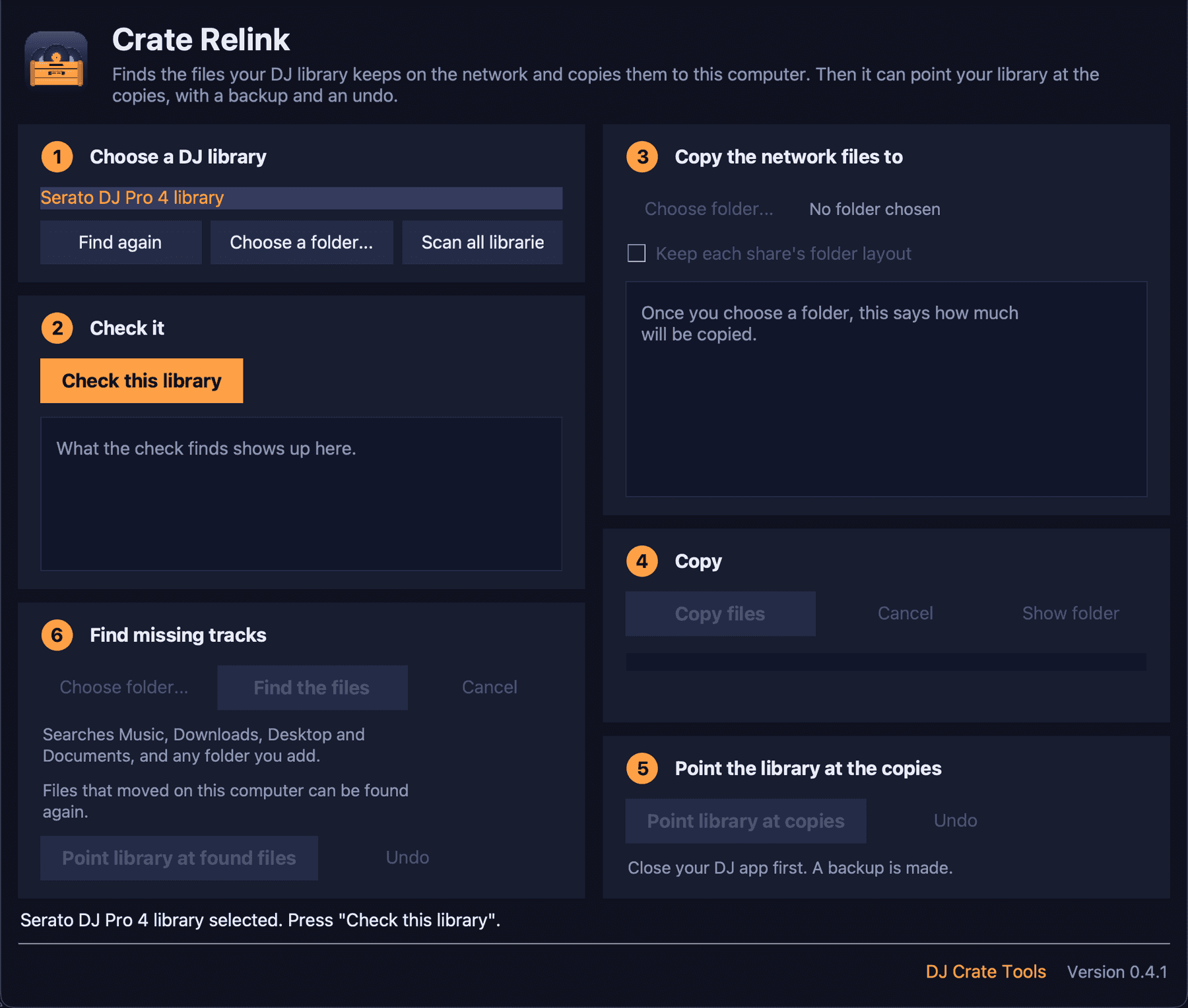
The window walks you through the steps. Nothing is copied or changed until you press the button for it, and copying can be cancelled at any moment.
Version 0.4.1
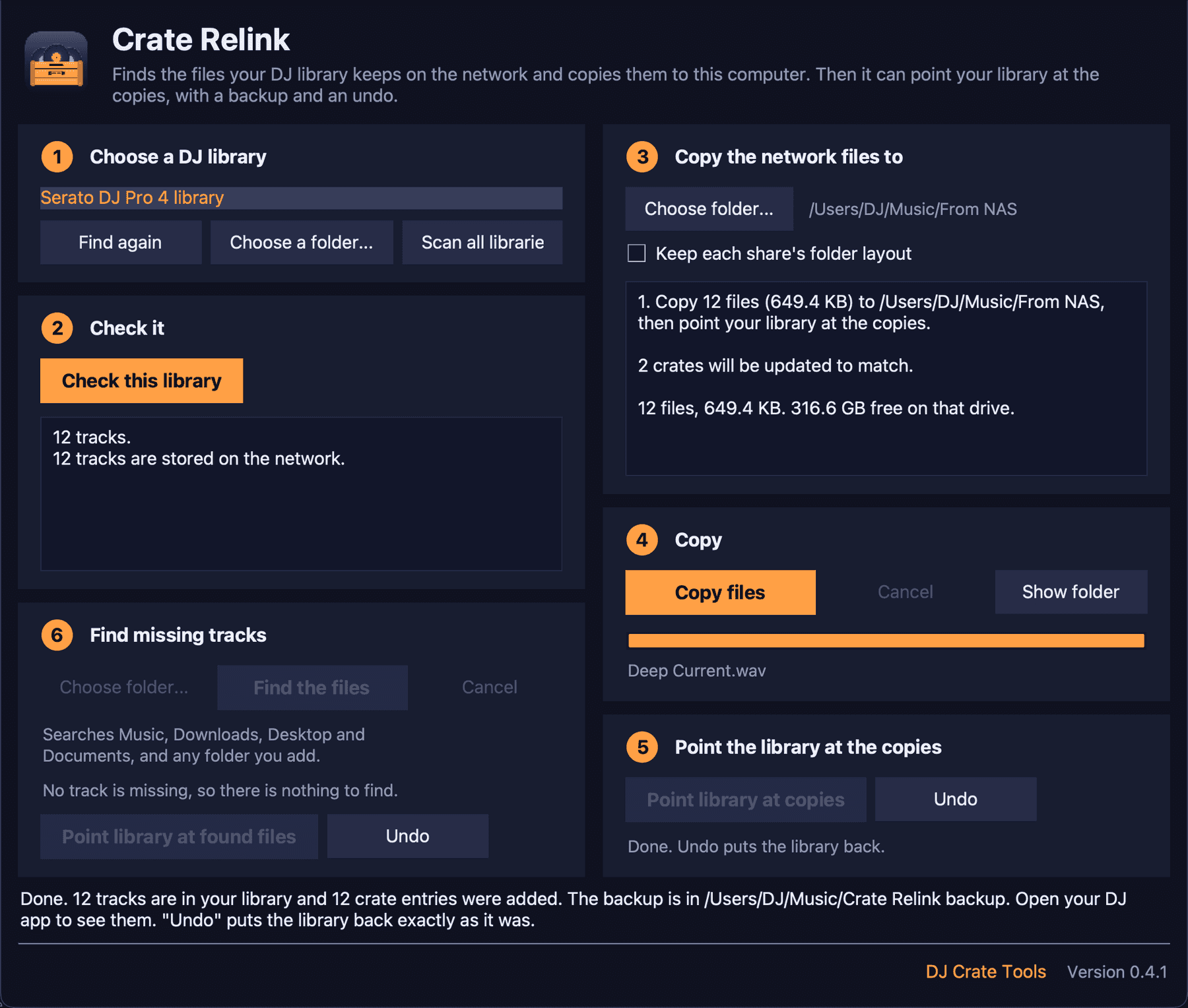
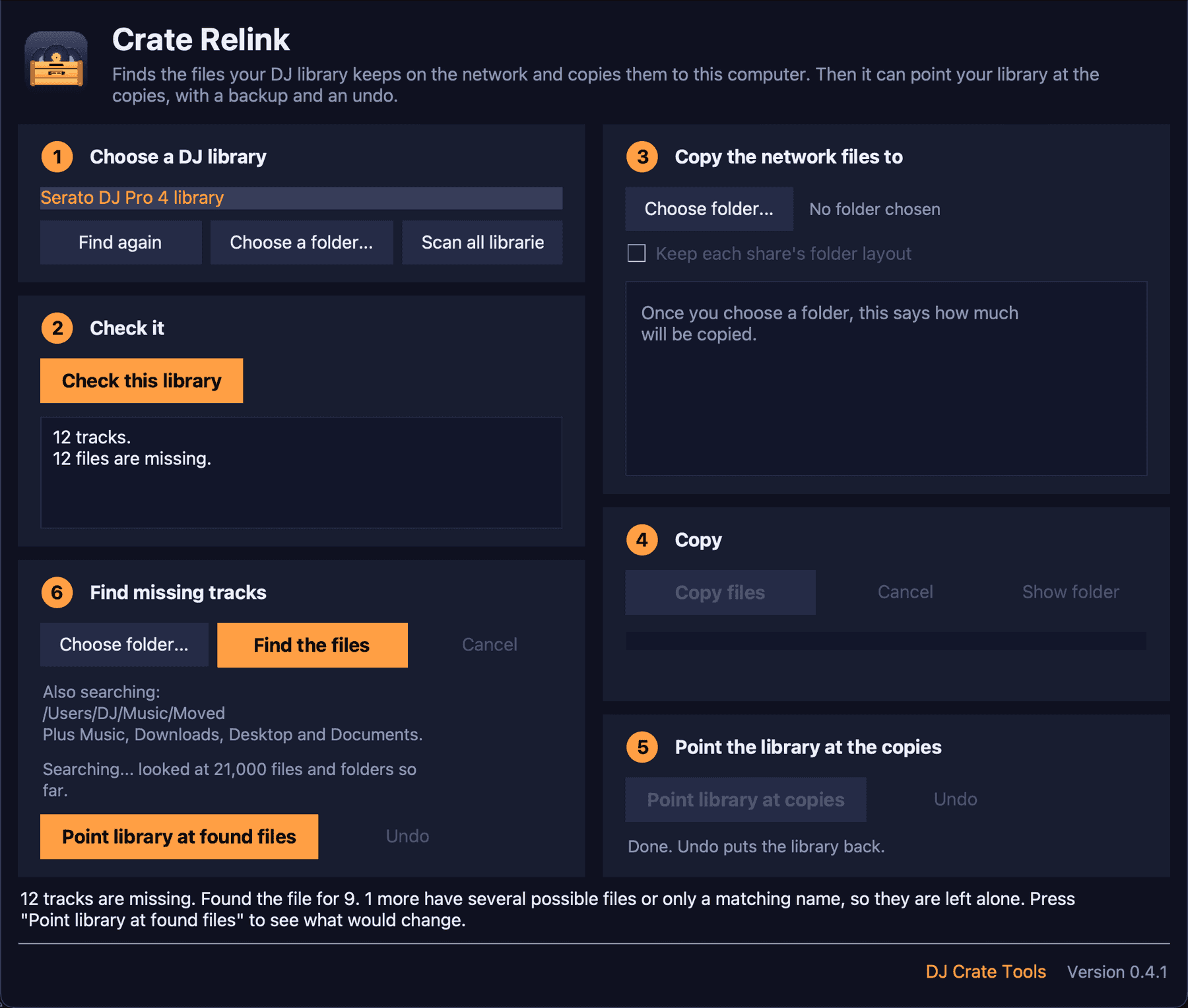
- Choose a DJ library. Crate Relink finds the libraries on this computer. You can also choose a folder yourself.
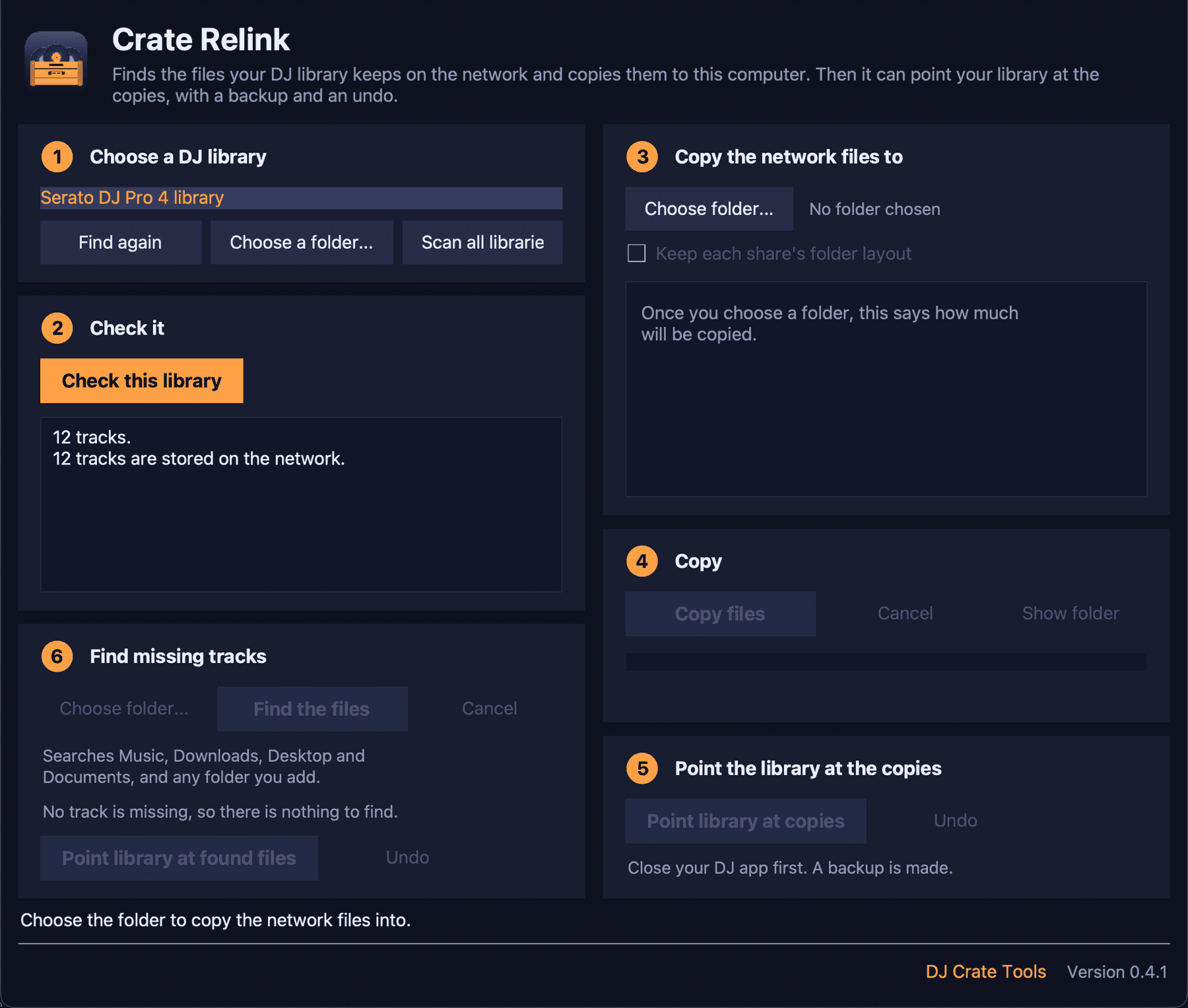
- Check this library. It reads the library and reports how many tracks are on the network or missing. This step only reads.
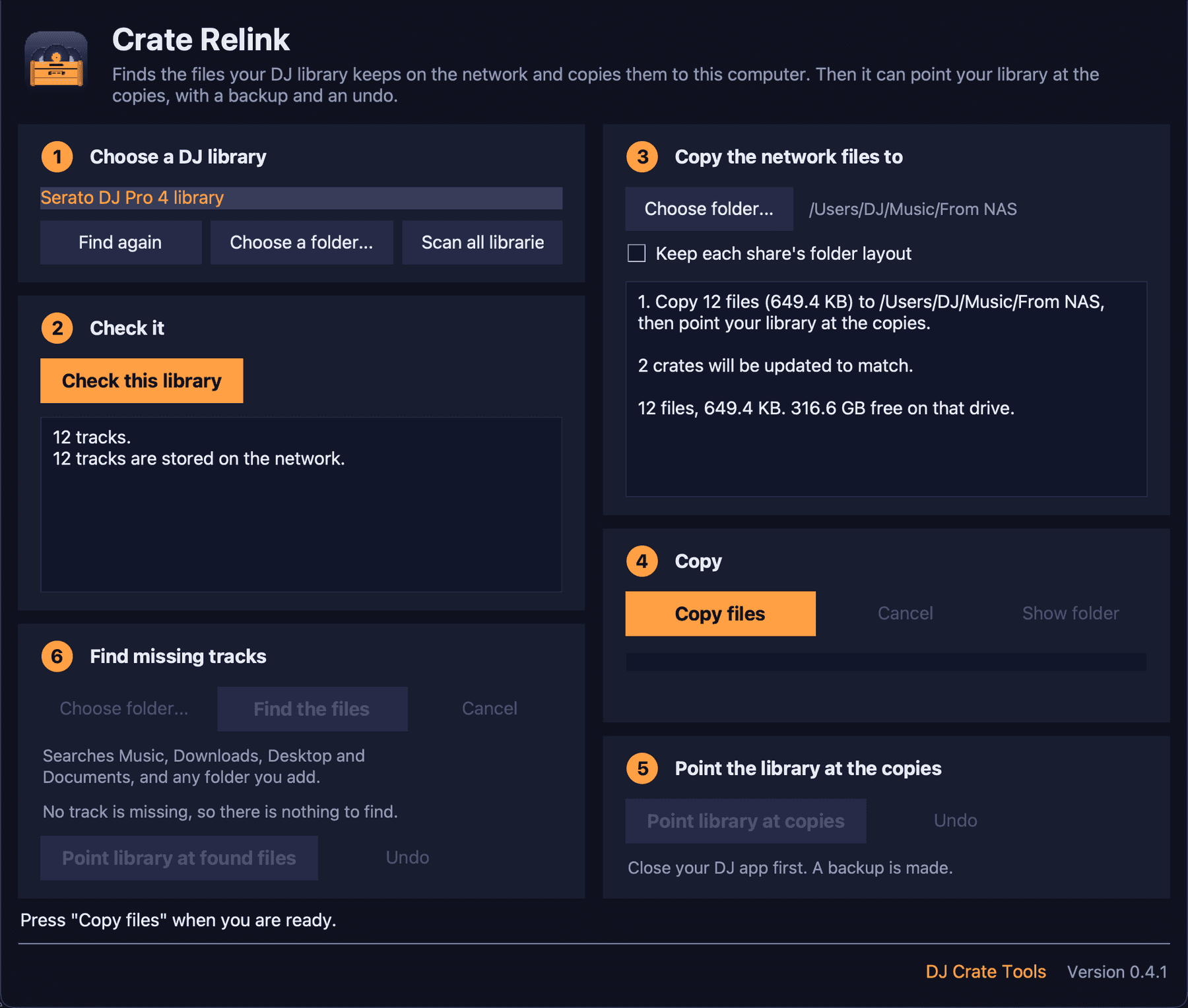
- Choose a folder on this computer. It must be a local folder, never a network location. You see what will be copied and how much space it needs.
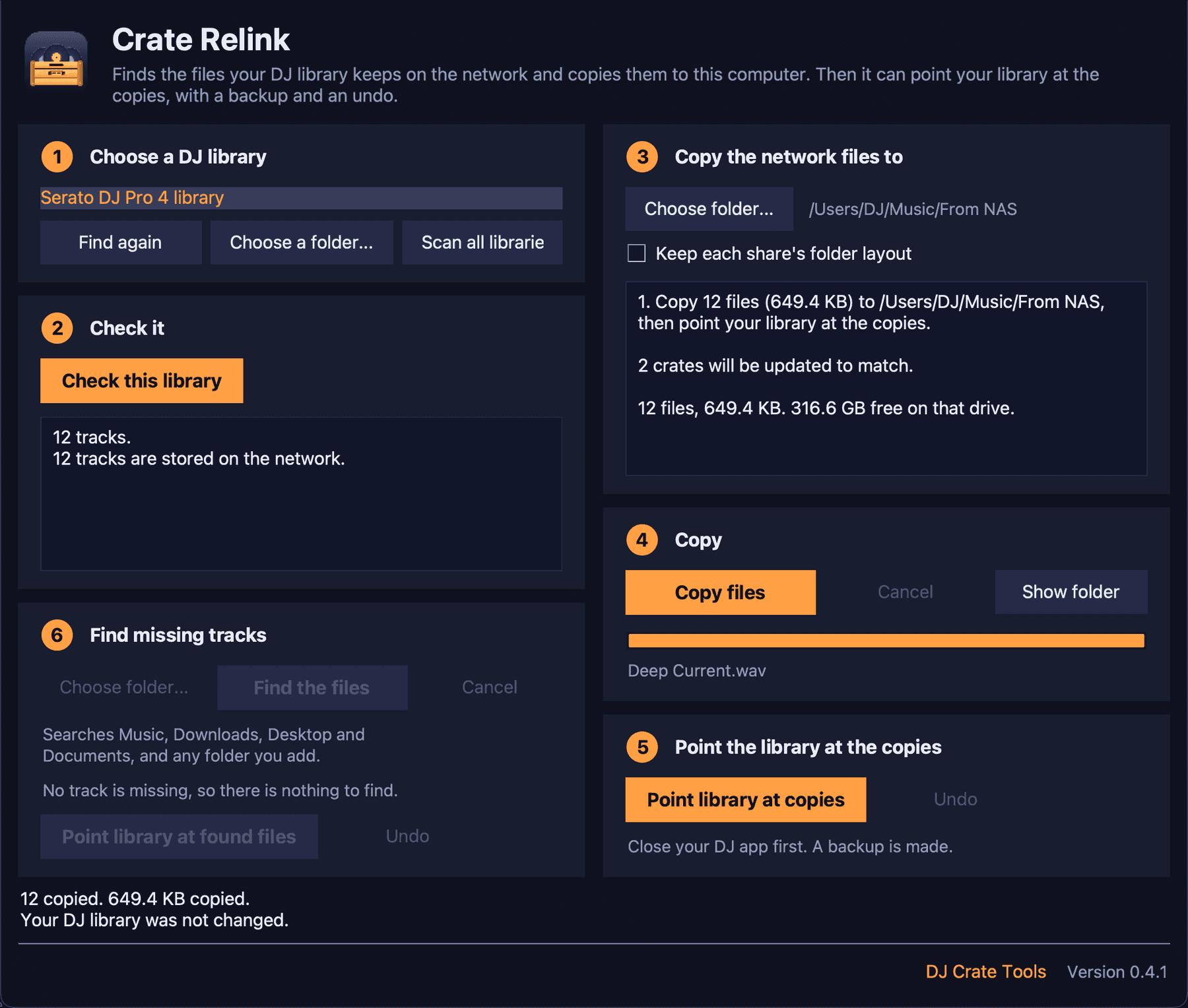
- Copy files. A progress bar shows the copy. Cancel stops it straight away. Run it again and it carries on, without copying finished files twice.
- Point the library at the copies. Close your DJ app, then press the button. Crate Relink backs up the library, changes it, reads it back and keeps the result only if it is right. Undo restores the backup.
There is also a command line, crate-relink scan, plan and copy, for people who prefer scripts. copy only shows the plan unless you add --yes.